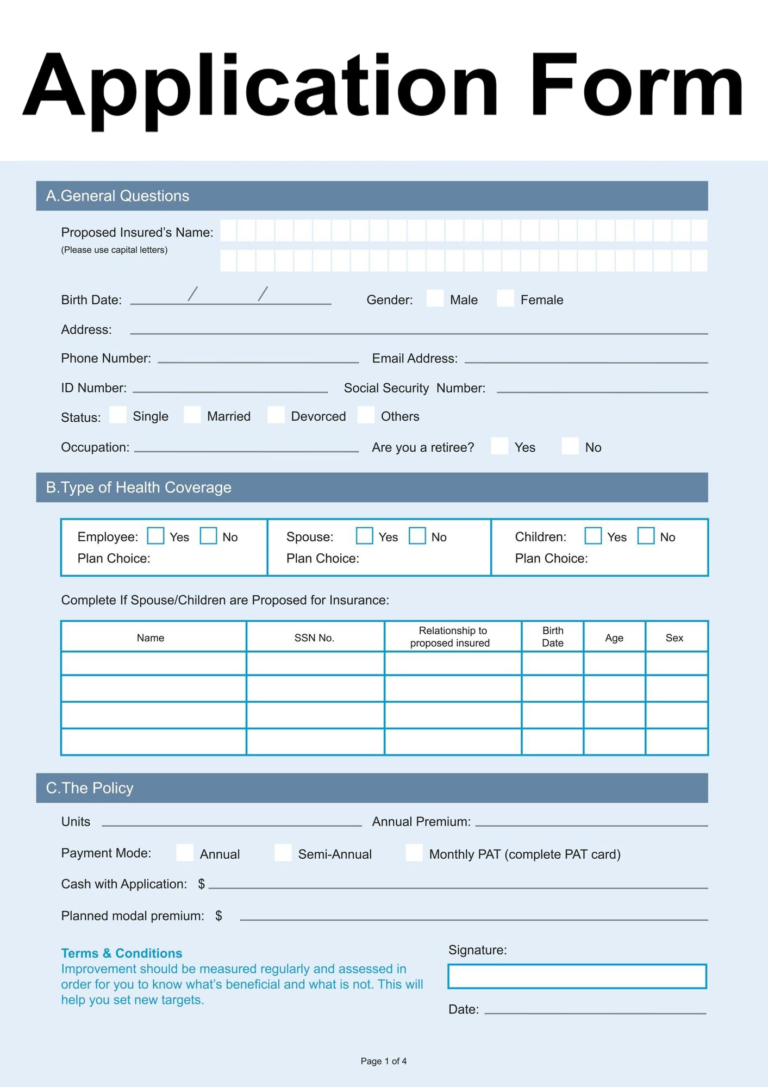
Need to complete a Form W-9? Our W-9 Form Filler is designed to help you prepare your tax information in a clear, organised, and user-friendly way. Whether you’re an independent contractor, freelancer, small business owner, or vendor, you can use our form filler to simplify the process before submitting your information where required.
Our goal is to make completing a Downloadable W-9 straightforward by guiding you through each section with clear instructions and helpful explanations.
A W-9 Form Filler is a tool that helps you enter the information typically required on IRS Form W-9 (Request for Taxpayer Identification Number and Certification).
Instead of manually completing every field, a form filler provides an organised interface where you can enter your details, review your information, and prepare your document more efficiently.
Please note that our W-9 Form Filler is intended to assist with document preparation. It does not submit your information to the Internal Revenue Service (IRS).
If you’ve ever started freelancing, taken on a consulting gig, or hired an independent contractor, chances are you’ve come across a W-9 form. It looks intimidating at first glance, but it’s actually one of the simplest tax documents you’ll ever fill out.
Here’s everything you need to know.
A W-9, officially titled “Request for Taxpayer Identification Number and Certification,” is an IRS form used to collect someone’s tax information. Unlike most tax forms, you don’t send it to the IRS — you send it directly to the business or individual who requested it.
Think of it as a formal way of saying, “Here’s who I am for tax purposes, and here’s my ID number.”
Who Needs to Fill One Out?
You’ll typically need to complete a W-9 if you are:
• A freelancer or independent contractor starting work with a new client
• A consultant being paid for services
• A sole proprietor, LLC, or partnership receiving payments of $600 or more in a year from a business
• An individual receiving certain types of income, like interest or dividends, from a bank or financial institution
If you’re an employee receiving a regular paycheck, you don’t need this form — that’s what a W-4 is for.
Companies request W-9s so they can accurately report payments to the IRS. If they pay you $600 or more during the year, they’re required to send you (and the IRS) a 1099 form summarizing that income. Your W-9 gives them the name, address, and Taxpayer Identification Number (TIN) they need to do that correctly.
The form itself is short — just one page — and asks for:
1 Your name (and business name, if it’s different)
2 Federal tax classification — individual, sole proprietor, LLC, corporation, partnership, etc.
3 Address
4 Taxpayer Identification Number — your Social Security Number (SSN) or Employer Identification Number (EIN)
5 Signature and date, certifying that the information is accurate
If a client requests a W-9 and you don’t provide it, they may be legally required to withhold a portion of your payments — currently 24% — and send it to the IRS. This is called backup withholding, and it’s a strong incentive to get the form back to them promptly.
A Word of Caution
Because a W-9 contains sensitive information like your SSN, only share it with legitimate businesses you’re actually working with. Scammers sometimes send fake W-9 requests to steal personal information. If a request feels off, verify it directly with the company before sending anything.
The Bottom Line
A W-9 isn’t something to stress over — it’s a routine part of doing business as a freelancer, contractor, or small business owner. Fill it out accurately, send it securely, and keep a copy for your own records. Come tax season, you’ll be glad you did.
Our W-9 Form Filler is suitable for:
If a client, marketplace, employer, or business partner requests a W-9, this tool can help you prepare your information accurately.
Before completing your W-9, have the following information available:
Having these details ready can help you complete the form more efficiently.
Our tool is designed to provide a simple and user-friendly experience.
A clean layout makes it easy to complete each section without unnecessary complexity.
Helpful descriptions explain what information belongs in each field.
Complete your information faster than filling out the form manually.
Review all entered information before downloading or printing.
Use the form filler from your desktop, laptop, tablet, or mobile device.
Your completed information is presented in a clear and organised format suitable for review before submission.
Using the W-9 Form Filler is simple.
Enter your personal or business information.
Select the appropriate federal tax classification.
Provide your mailing address and taxpayer identification details.
Review your information carefully.
Download, print, or save your completed document for submission to the requesting business or organisation.
Businesses may request a completed W-9 for purposes such as:
Most individuals purchasing products or services do not need to complete a W-9.
To help avoid delays:
Tax information is sensitive and should always be handled carefully.
If you use our W-9 Form Filler, we encourage you to:
